OpenAnima
A downloadable desktop tool
OpenAnima v1.0 is out
OpenAnima is an open-source desktop overlay engine for Windows.
It lets you place animated GIFs, APNGs, WebM videos, sprites, pixel-art characters, HUD elements, frame animations, and other local 2D assets directly on your desktop as movable overlay windows.
The goal is simple: turn the desktop into a small interactive visual playground.
Included in v1.0
- Windows EXE release
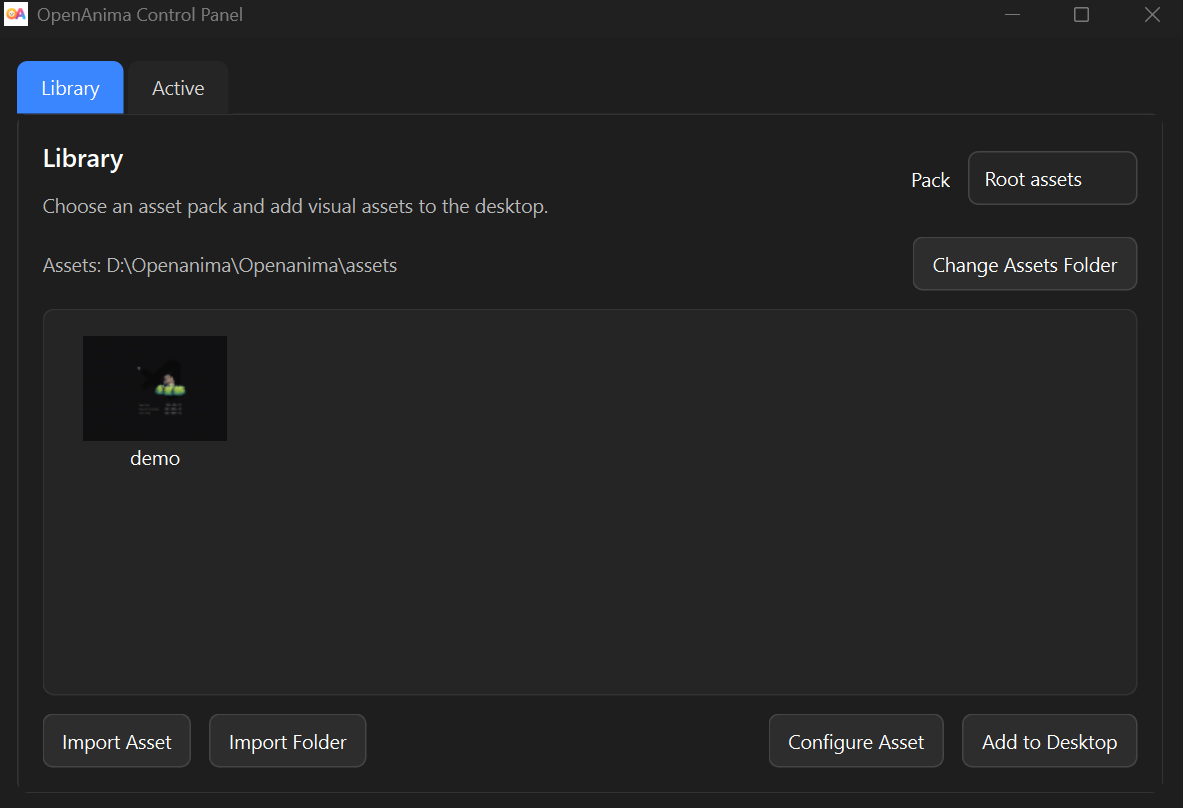
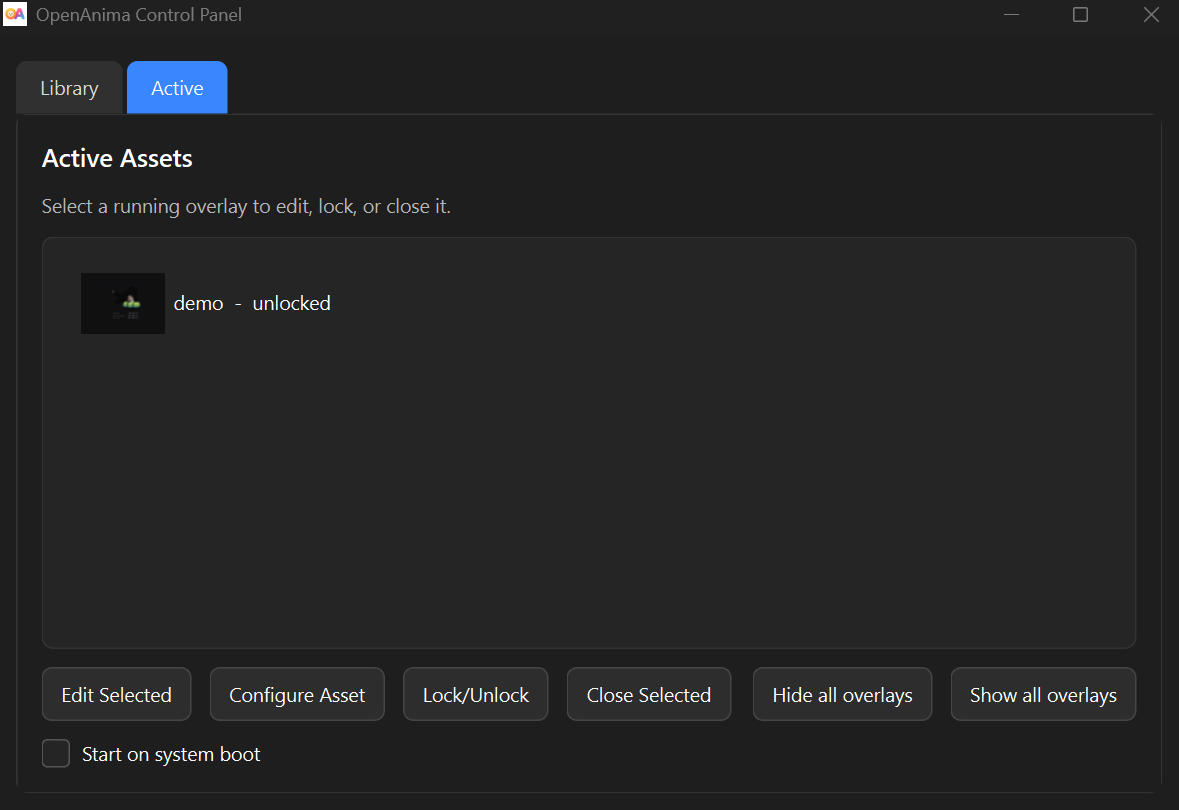
- Asset Library and Desktop Inspector
- GIF, APNG, WebM, sprite strip, spritesheet, and HUD support
- Safer config persistence and recovery tools
- Diagnostics and runtime logging
- Overlay actions and movement physics
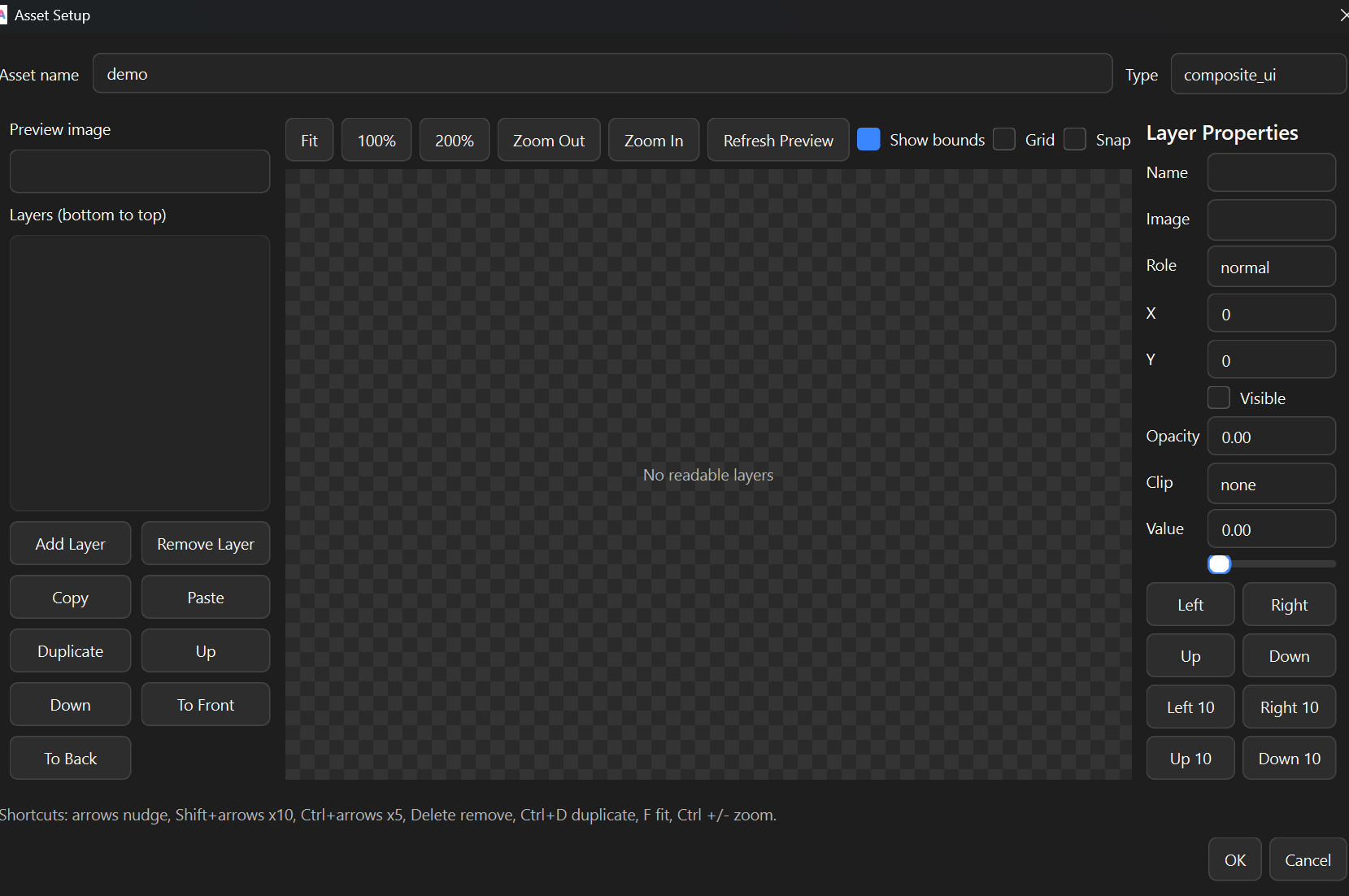
- Improved asset setup workflow
- Better recovery for broken or hidden overlays
Supported asset types
- GIF overlays
- APNG animations
- WebM overlays
- PNG / JPG / WEBP images
- Frame-folder animations
- Sprite strips
- Spritesheets
- Composite UI / HUD assets
OpenAnima v1.0 focuses on creating a stable and flexible 2D desktop overlay system for Windows while keeping everything local and lightweight.
Future updates will focus on:
- better polish
- stronger asset workflows
- creator-focused tools
- experimental 3D desktop objects
Links
GitHub: https://github.com/Ertugrulmutlu/OpenAnima
Website: https://ertugrulmutlu.github.io/OpenAnima/
Demo video: https://youtu.be/qgJBF40b_L8
Download
Install instructions
Download the Windows executable and run it on your PC.
Installation:
1. Download the OpenAnima Windows EXE.
2. Extract the ZIP file if the download is packaged as a ZIP.
3. Run OpenAnima.exe.
4. Import a GIF, image, sprite, spritesheet, or asset folder from the Library tab.
5. Add the asset to your desktop and adjust scale, opacity, speed, and behavior from the Editor tab.
Notes:
- OpenAnima is currently a preview release.
- Windows may show a SmartScreen warning because the app is not code-signed yet.
- The project is open source, and the source code is available on GitHub.
- Some advanced sprite, spritesheet, and composite UI/HUD workflows may still require manual setup.
Source code:
https://github.com/Ertugrulmutlu/OpenAnima
Website:
Development log
- OpenAnima v1.0 is out87 days ago
Leave a comment
Log in with itch.io to leave a comment.